
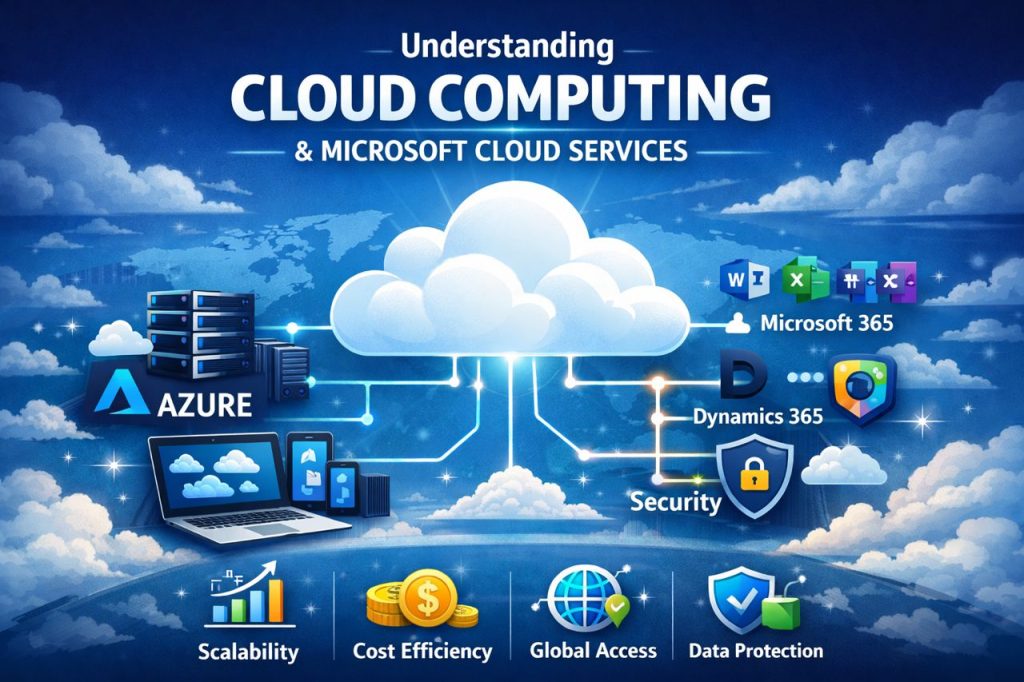
Introduction to Microsoft Cloud
In Part 3, we learned about cloud service models—IaaS, PaaS, and SaaS—and how they describe how cloud services are delivered. Now it’s time to look at a real-world cloud provider and understand how everything fits together.
In this post, I’ll introduce Microsoft Cloud, explain what it is, and show how its main services work together.
What Is Microsoft Cloud?
Microsoft Cloud is a collection of cloud services provided by Microsoft. These services help people and organizations:
•Store data
•Run applications
•Collaborate and communicate
•Secure identities and devices
•Manage business operations
Microsoft Cloud is designed to work as one connected ecosystem rather than separate tools.
Main Parts of Microsoft Cloud:
Microsoft Cloud is made up of several key platforms. The most important ones for beginners are:
•Microsoft Azure
•Microsoft 365
•Dynamics 365
•Microsoft Security & Identity services
Let’s break them down simply.
Microsoft Azure:
Microsoft Azure is Microsoft’s cloud computing platform.
Azure provides services such as:
•Virtual machines
•Storage
•Networking
•Databases
•Artificial intelligence
Azure supports IaaS, PaaS, and SaaS, which makes it very flexible.
Simple Example:
Running a website or application on Azure instead of using physical servers.
Azure is commonly used by IT professionals, developers, and cloud engineers.
Microsoft 365:
Microsoft 365 focuses on productivity and collaboration.
It includes cloud-based tools like:
•Word, Excel, PowerPoint
•Outlook and Exchange Online
•OneDrive
•SharePoint
•Microsoft Teams
Simple Example:
Creating documents, emailing, and joining online meetings from anywhere.
Microsoft 365 is a SaaS service and is used by individuals, schools, and businesses every day.
Dynamics 365:
Dynamics 365 is a set of cloud-based business applications.
It is used for:
•Customer Relationship Management (CRM)
•Enterprise Resource Planning (ERP)
Simple Example:
Managing customers, sales, finance, or customer support in one system.
Dynamics 365 helps businesses improve decision-making and efficiency.
Microsoft Security and Identity Services
Security is a big part of Microsoft Cloud.
Microsoft provides cloud security tools such as:
•Microsoft Entra ID (identity and access management)
•Microsoft Defender (threat protection)
•Compliance and governance tools
Simple Example:
Controlling who can sign in and protecting user accounts with multi-factor authentication.
These services help protect users, devices, and data across the cloud.
How Microsoft Cloud Services Work Together
Microsoft Cloud services are designed to integrate smoothly:
•Azure hosts applications and infrastructure
•Microsoft 365 supports communication and productivity
•Dynamics 365 manages business processes
•Security services protect everything
This integration is one of Microsoft Cloud’s biggest strengths.
Why Microsoft Cloud Is Important for Beginners
Learning Microsoft Cloud helps you:
•Understand real-world cloud environments
•Build skills used in many organizations
•Explore careers in cloud and IT
Microsoft Cloud is widely used, making it a great place to start your cloud journey.
Microsoft Cloud is more than just one service—it’s a complete cloud ecosystem. By understanding how Azure, Microsoft 365, Dynamics 365, and security services fit together, beginners can build strong foundational cloud knowledge.
In Part 5, I’ll focus on Microsoft Azure basics, including regions, data centers, and core Azure services.
Thanks for reading