
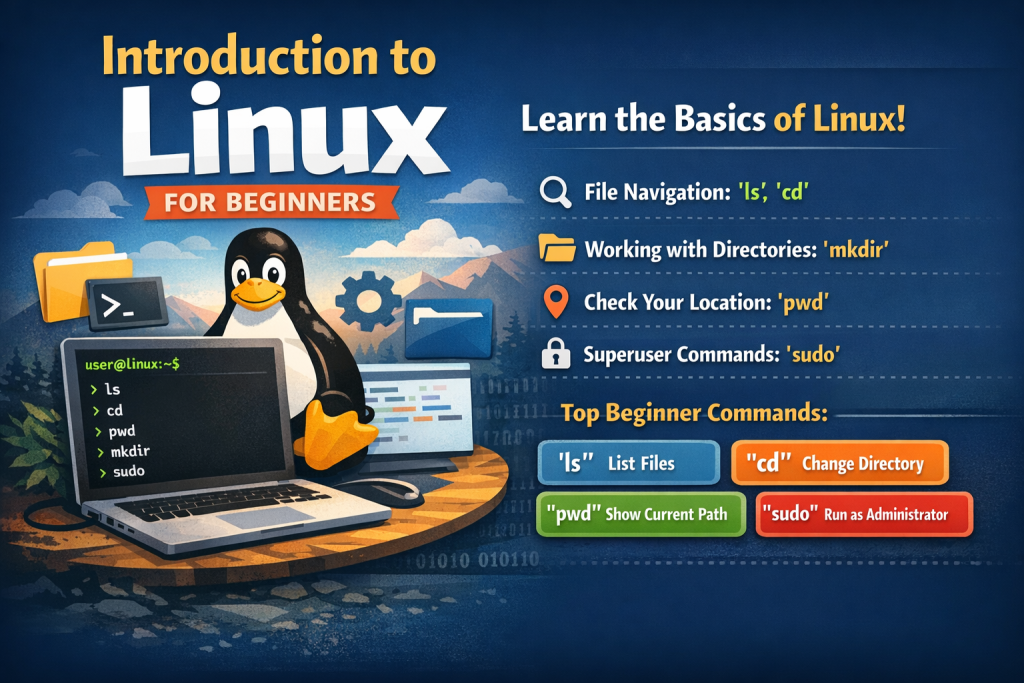
Linux is one of the most powerful and widely used operating systems in the world. From servers and supercomputers to smartphones and cloud platforms, Linux plays a crucial role in modern technology. This guide introduces Linux from the very beginning and walks you through essential commands every beginner should know.
What Is Linux?
Linux is an open-source operating system based on the Linux kernel, originally created by Linus Torvalds in 1991. Unlike proprietary systems, Linux is free to use, modify, and distribute.
Why Linux?
Free and open source
Secure and stable
Lightweight and fast
Widely used in servers, cloud, and development
Highly customizable
Linux Distributions (Distros)
Linux comes in different versions called distributions, each designed for specific users or purposes.
Popular beginner-friendly distributions include:
Ubuntu (most recommended for beginners)
Linux Mint
Fedora
Debian
Although they differ in appearance and tools, all Linux distributions share the same core principles.
Linux Interface Basics
Linux can be used in two ways:
Graphical User Interface (GUI)
This is the visual interface with windows, icons, and menus, similar to Windows or macOS.
Command Line Interface (CLI)
The CLI uses text-based commands entered through a terminal. It is faster, more powerful, and essential for mastering Linux.
To open the terminal:
Ctrl + Alt + T
Understanding the Linux File System
Linux follows a hierarchical file system starting from the root directory /.
| Directory | Description |
|---|---|
/ | Root of the file system |
/home | User personal files |
/etc | System configuration files |
/bin | Essential system commands |
/usr | User-installed programs |
/var | Logs and variable data |
/tmp | Temporary files |
Essential Linux Commands for Beginners
Check Your Current Location
pwd
It shows the full path of the directory you are currently working in.
List Files and Directories
ls
Common options:
ls -l   # detailed list

ls -a   # show hidden files

ls -lh  # readable file sizes
Change Directories
cd directory_name
Examples:
cd /home

cd ..

cd ~
Create Files and Directories
touch file.txt

mkdir folder_name
Copy Files and Folders
cp file1 file2

cp -r folder1 folder2
Move or Rename Files
mv oldname newname

mv file.txt /home/user/
Delete Files and Directories
Use with caution
rm file.txt

rm -r folder_name
Viewing File Contents
cat file.txt

less file.txt

head file.txt

tail file.txt
File Permissions and Ownership
Check permissions:
ls -l
Change permissions:
chmod 755 script.sh

chmod +x script.sh
System Information Commands
whoami

uname -a

df -h

free -h

uptime
Process Management
ps

top

htop
Terminate a process:
kill PID
Installing Software (Ubuntu/Debian)
sudo apt update

sudo apt upgrade

sudo apt install package_name

sudo apt remove package_name
Networking Basics
ip a

ping google.com

wget URL

curl URL
Getting Help in Linux
man command

command --help
Practice for Beginners
Try these commands to build confidence:
mkdir linux_practice

cd linux_practice

touch test.txt

nano test.txt

chmod 644 test.txt

rm test.txt
What to Learn Next
Bash scripting
User and group management
Linux networking
System administration
Git and DevOps tools
Linux may seem intimidating at first, but with consistent practice, it becomes an incredibly powerful tool. Learning basic commands is the first step toward mastering Linux and opening doors to careers in development, cybersecurity, cloud computing, and system administration.